

Getting started as a developer
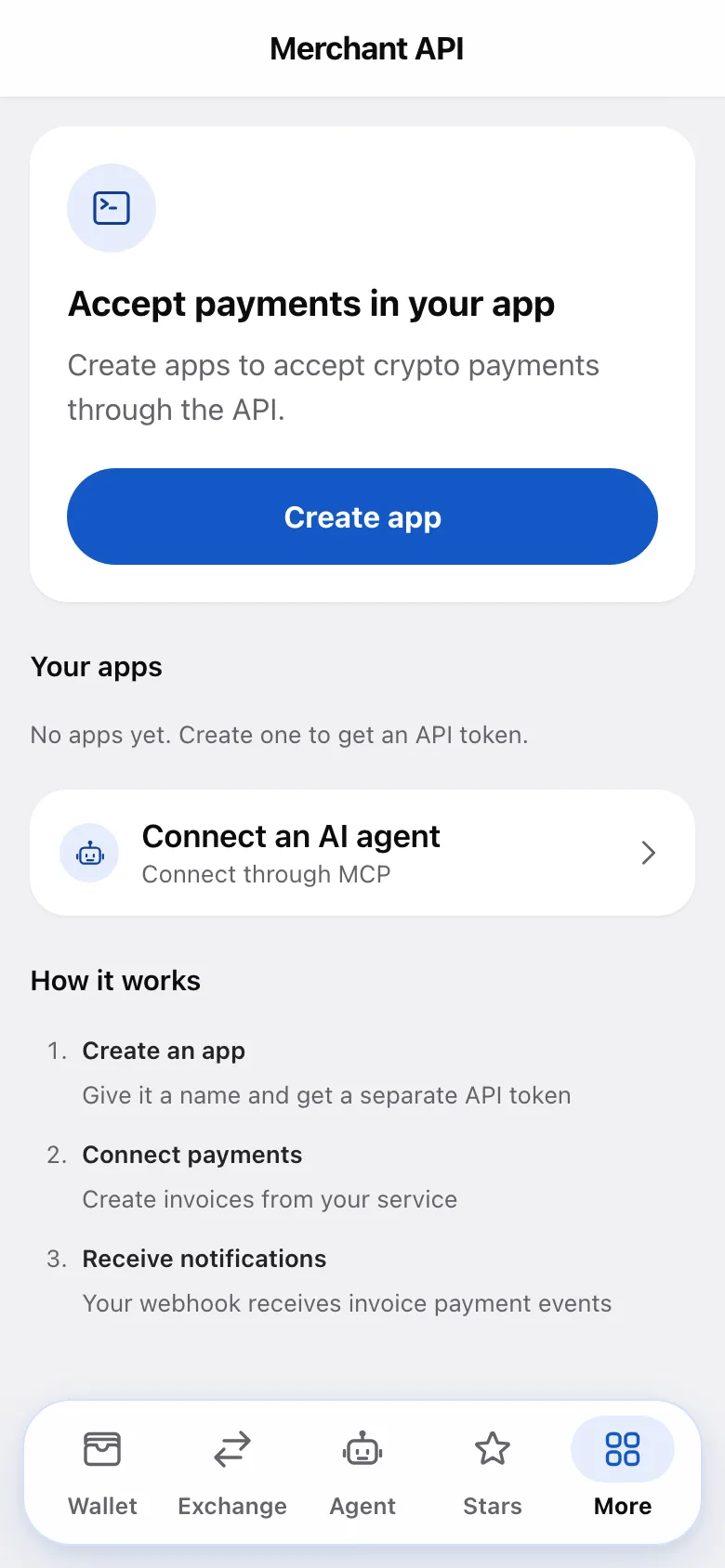
Create an app in the Mini App, copy its API token once, and start calling the API. The whole setup lives under More → Merchant API.
Steps
- Open More → Merchant API and choose Create app.
- Enter an App name (e.g. “My Store”) and, optionally, a Webhook URL (optional).
- Accept the terms on the form and tap Create app. Confirm with your PIN or biometrics when prompted. Creating an app accepts the Merchant API terms — what you may and may not use the API for.
- Copy the API token immediately. It’s shown once and never again — the app stores only a hash of it.
- Send your first request with the token in the
TgPayCrypto-API-Tokenheader.
Your first call
Point your client at the API base https://app.tgpaycrypto.com/pay/api and call
getMe to confirm the token works. getBalance returns your app’s balances,
getCurrencies the assets you can use.
Read methods are GET. Write methods, such as createInvoice,
transfer, createCheck, deleteInvoice and deleteCheck, are POST only.
Parameters may be sent as a JSON body, form-urlencoded, or query params.
Prefer a request body so amounts and idempotency keys stay out of URL access logs.
Testnet
Build against the test network first — same API, same Mini App, test funds with no value:
| Mainnet | Testnet | |
|---|---|---|
| Bot | @tgpaycryptobot | @tgpaycrypto_testnet_bot |
| API base | https://app.tgpaycrypto.com/pay/api | https://testnet.tgpaycrypto.com/pay/api |
| MCP server | https://app.tgpaycrypto.com/mcp | https://testnet.tgpaycrypto.com/mcp |
Apps and tokens are separate: a testnet token does not work on mainnet, and vice versa. To get test funds, open the testnet Mini App and tap Get test coins on the home screen. The faucet credits a test pack as ordinary deposits; assets on disabled networks are skipped. The app shows what was credited and when another request is allowed. You can use a second Telegram account as the customer who pays your test invoices.
Deposits and withdrawals use simulated custody, without real blockchain transactions. Never send real funds to a testnet deposit address. The API contract is shared, but available features, rates and limits can differ from mainnet. When you’re done, create a production app in @tgpaycryptobot and switch the base URL.
Managing an app
Open an app in Merchant API to see its app ID and balance. From there you can:
- Set or change the webhook URL under Webhook and save it.
- Pick extra webhook events — the Extra
webhook events toggles in the Webhook section select event types beyond
invoice_paid(see the webhooks reference). - Narrow who the API may pay — under Payout settings, Payouts through the API is Any user for a new app; switch it to Listed users only (and list the recipients) or Off if your integration never pays people — a fence in case the token leaks (see payout mode).
- Create restricted tokens — open Access and tokens for extra API tokens under Restricted tokens, each limited to the scopes you pick (see the API reference).
- Rotate token — under Access and tokens, issues a new token and instantly invalidates the old one. Use this if a token leaked; the new one is shown once, same as at creation.
- Delete — first pay out the available balance; otherwise deletion is
rejected with
app_has_balance. Also resolve outstanding checks and pending payouts before deleting. The app leaves the list and its tokens stop working; its payment history is retained.
Webhooks
If you set a webhook URL, the app POSTs a signed JSON body to it:
{ "update_id": …, "update_type": "invoice_paid", "request_date": …, "payload": { … } }The signature is in the TgPayCrypto-API-Signature header (with
TgCryptoPay-API-Signature and Crypto-Pay-API-Signature as compat aliases): HMAC-SHA256 over the raw body,
keyed by the SHA-256 of your main API token. Verify it before trusting anything
in the payload.
Deliveries are retried with exponential backoff over an extended period, and
update_id stays the same across retries — key your deduplication on it and
make your handler idempotent.
invoice_paid needs no separate opt-in when a webhook URL is configured. Other event types — expired invoices,
claimed checks, refunds, subscription events — are opt-in via the Extra
webhook events toggles. The full list, payload shapes, and retry
behavior are in the webhooks reference.
⚠️ Guard the token like a private key
It authorizes payouts from your app balance. Keep it on your server, never in a
mobile app, front-end bundle or committed config. If you’re unsure whether it
leaked, rotate it — rotation is instant and costs nothing. And give each server
only what it needs: a restricted token with only the invoices scope can create
and delete invoices, but cannot transfer funds, create checks or issue refunds.
Was this article helpful?
Thanks for the feedback.